ditherlist
A place to keep photographs of the things you stop for, with every one of them reduced to a field of dots in the two inks of the album it lives in. No account, no backend, nothing that leaves your phone.
ditherlist
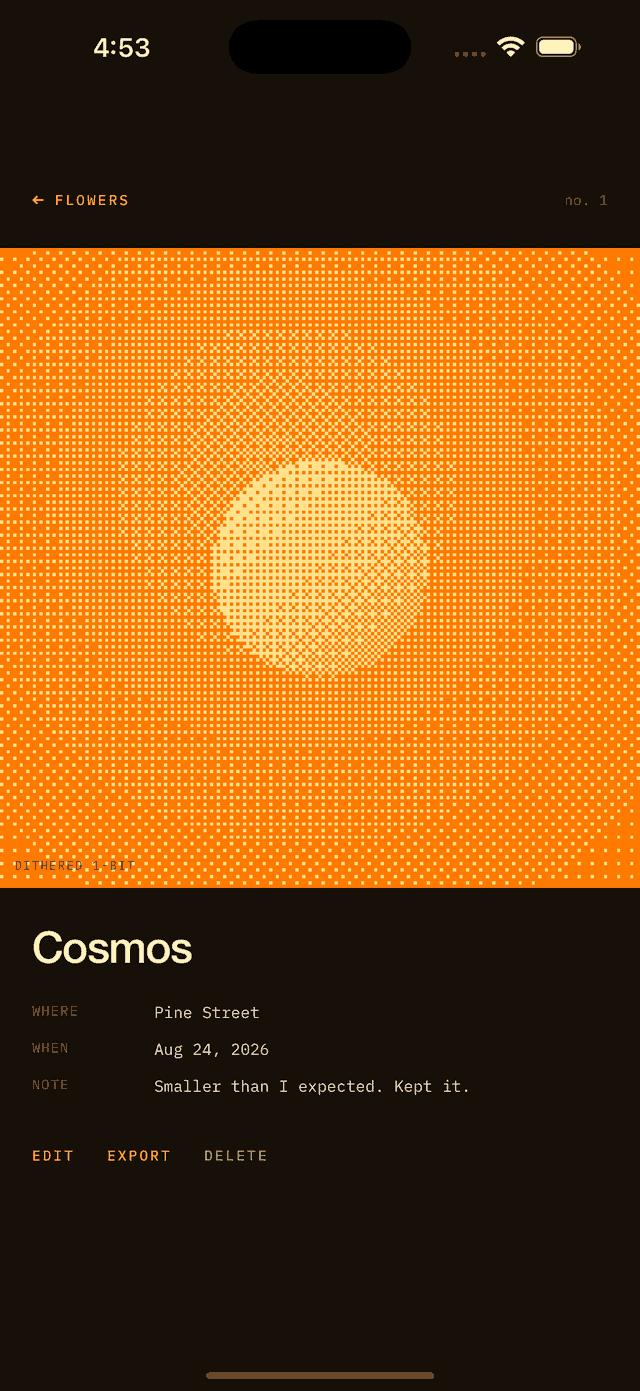
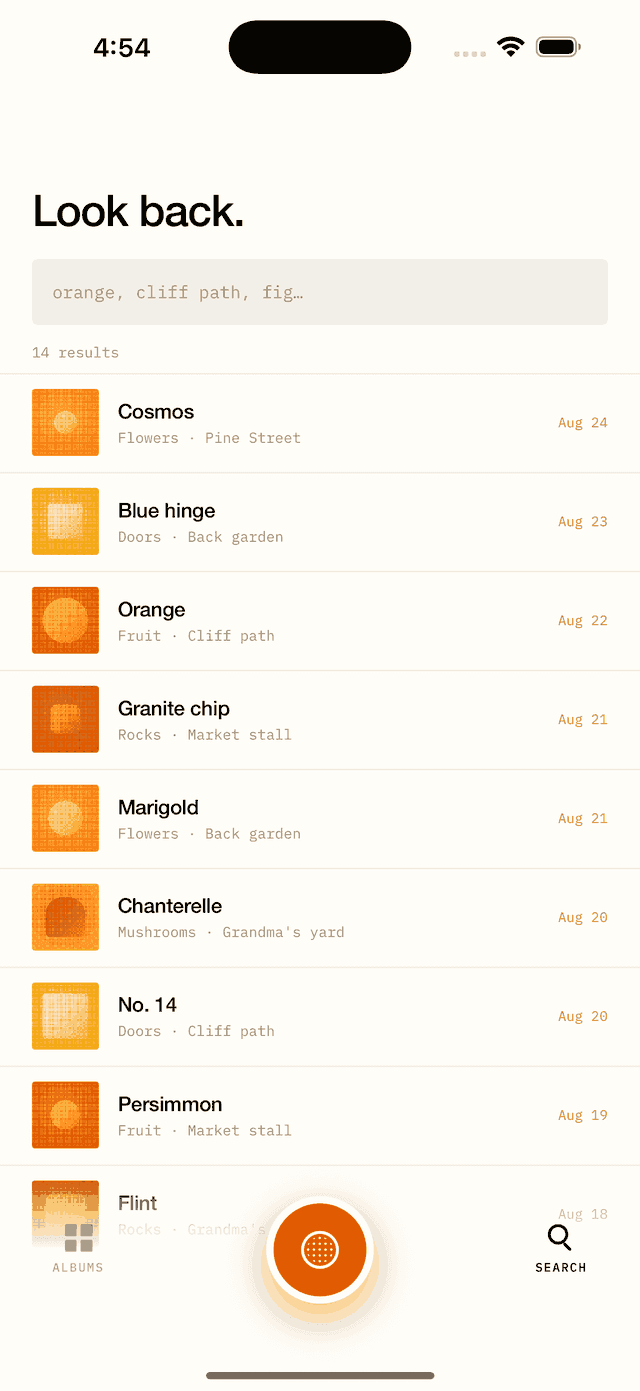
An iOS app for collecting photographs of the things you stop for — flowers, doors, rocks — each one rendered as a 1-bit ordered-dithered halftone in the two inks of the album it lives in. No account, no backend, no analytics: everything stays on the phone.
Dither by the dot
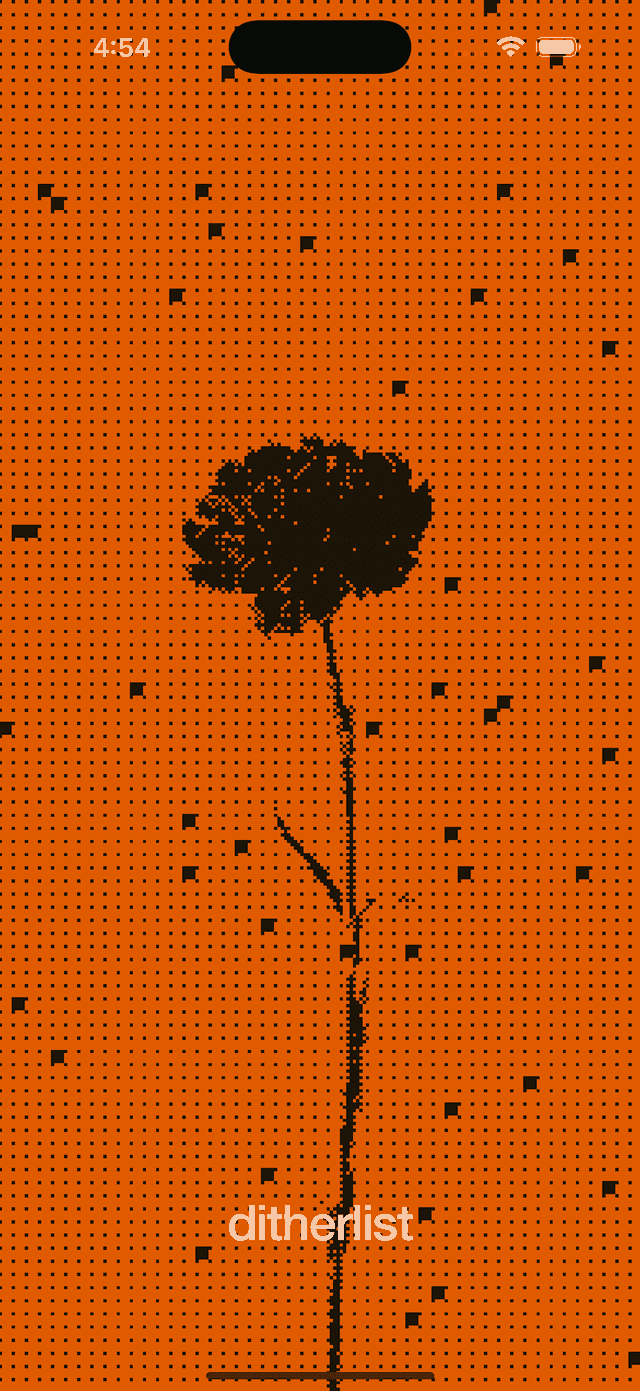
A slider takes a photograph from legible to abstract while you watch, so you decide where it lands before you keep it. Dot size is the whole control.
Albums in your own ink
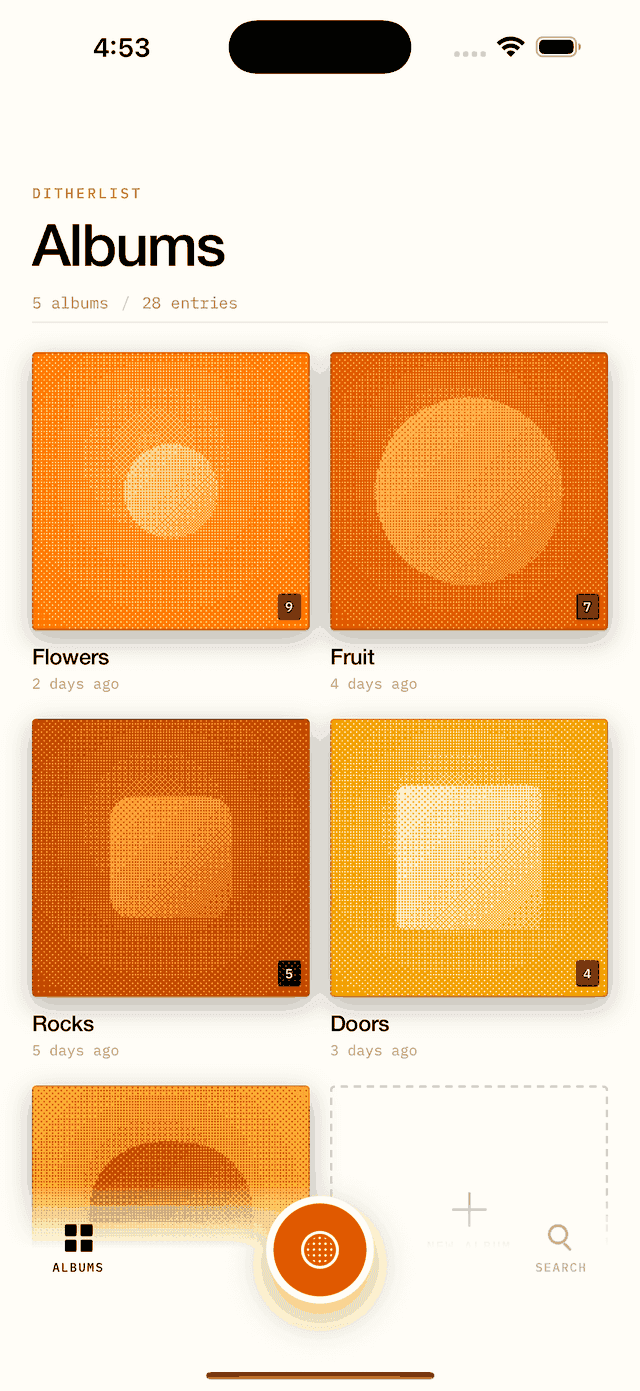
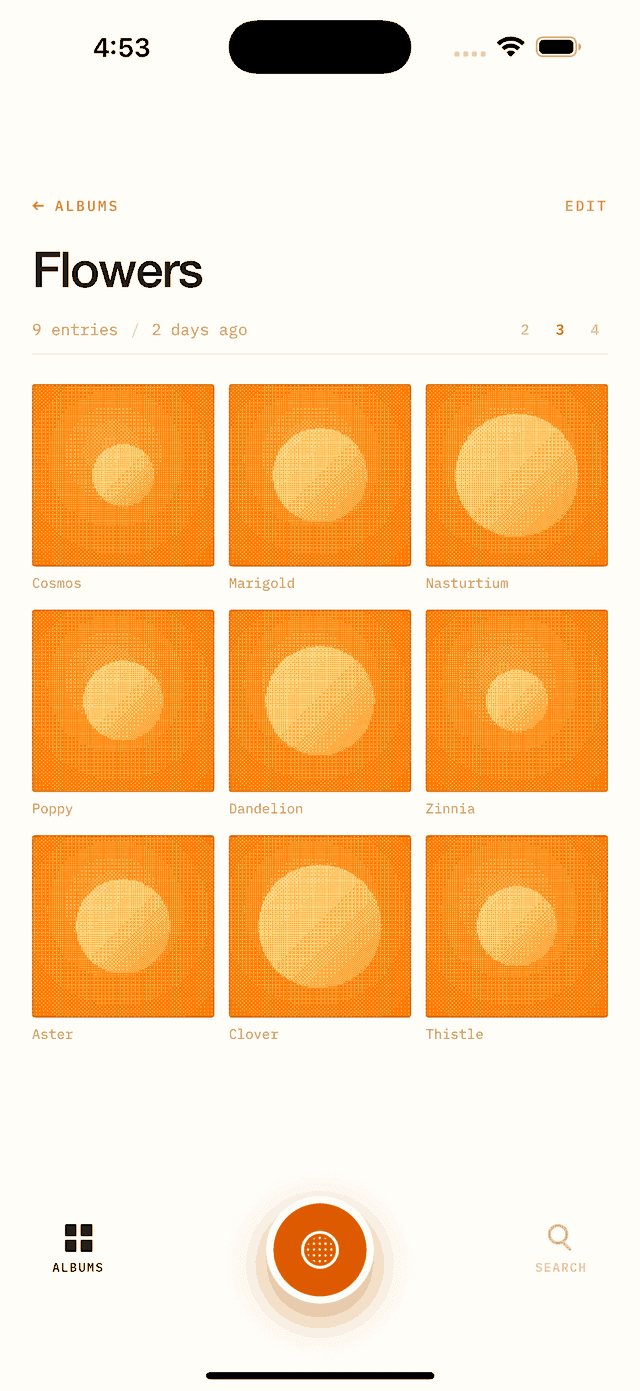
Every album is two colours of your choosing — the ink the shadows become and the highlight the lit parts become. Change them later and everything already inside is re-rendered, so a collection always reads as one field of dots.
Exports that stay crisp
An entry leaves as a PNG with its dots enlarged by whole pixels rather than smoothed, under its own name, with the app's mark set beneath it.
See It In Action
Support
ditherlist is made by PRPL Solutions Inc. Need help or have a question? We're here.
FAQ
- What does the dither actually do?
- Every photograph is reduced to a grid of dots and rendered in two colours — no greys, no in-between. A slider sets how big the dots are, which is what decides whether a photograph stays legible or becomes texture. You set it while looking at the result, before you keep the entry.
- What are the two colours?
- Each album has its own pair: the ink the shadows become, and the highlight the lit parts become. You pick both. Change them later and every entry already in the album is re-rendered from its original, so the album never ends up half in old colours.
- Does it need an account or an internet connection?
- Neither. There is no backend, no sign-in and no analytics. Photographs, places and notes are written to the app’s own storage on your device and go nowhere else.
- Does it keep my original photographs?
- Yes — the original is kept alongside the dithered version, which is what makes it possible to re-render an entry when an album’s colours change.
- What do I get when I export an entry?
- A PNG whose dots have been enlarged by a whole number rather than smoothed, so it stays hard-edged wherever it lands, with the app’s mark set in a band beneath it. It arrives named after the entry.
- Does it need my location?
- Only if you let it, and only to note where something was found. The app takes a single reading, turns it into a short place name on the device, and keeps that name as text. Refusing costs you nothing but the place name.
Ready to give us a shot?
Don't keep your growth waiting any longer. Let's build something great together.